Tell us about the session
Date, platform or venue, languages, number of participants and what will be discussed. Send the agenda, slides, product names, titles and any glossary you have. The more we get, the better the first minute sounds.
We prepare and test
Your terminology is loaded, your platform is connected and we run a short test with your technician or host a day or two before. For in-room sessions we bring the audio equipment; for online ones your participants need nothing beyond the meeting link.
Your interpreter runs the session
A professional interpreter joins before the start, listens to both sides throughout, steps in when a speaker mumbles or the sound drops, and keeps the session on track. You see nothing of the machinery; your audience simply hears its own language.
Afterwards
At your request you receive a transcript of the session in each language. Otherwise nothing is kept. You are invoiced by the hour of session, with no setup fee for standard platforms.
Where your audience listens
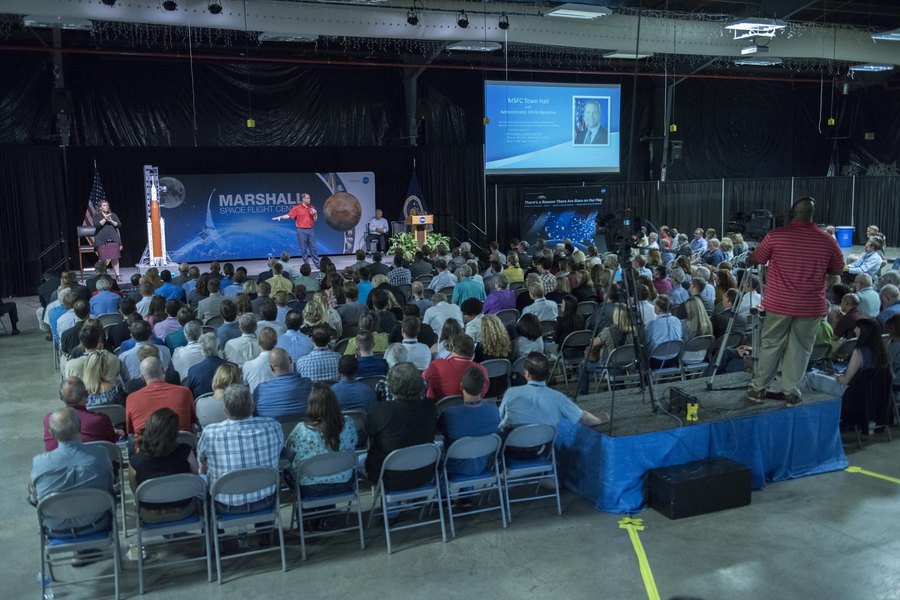
On Zoom, Teams, Webex and most other platforms, participants pick their language from the built-in interpretation menu, exactly as they would with human interpreters. In a conference room they listen through receivers and headsets we supply, or through the venue's own system. On a telephone call each side simply hears the other in its own language.
Several languages can run at the same time from one session, which is where the arithmetic changes: a meeting that would have needed four booth teams needs one session and one supervising interpreter.
What we ask of you
Good sound. A speaker on a laptop microphone in a noisy room is hard for any interpreter, human or otherwise. A headset or a decent room microphone, materials in advance, and a short test before the day make the difference between a good session and a great one. We will tell you before the session what else, if anything, your setup needs.